Want to launch a blog but hesitate at the thought of costs or technical complexity? Creating a free WordPress blog is simpler than it seems and can be done in just a few hours, even without coding knowledge. A free WordPress blog is an online publishing platform built on the WordPress engine, accessible to anyone who wants to write and be read. Let us show you how everything works, step by step.
Key Takeaways
- Creating a free WordPress blog requires no technical knowledge and can be completed in just a few hours from scratch.
- WordPress powers 43.4% of all websites on the internet, meaning a huge community of support and free resources available.
- Choosing a clear domain name and a suitable theme establishes your blog’s visual identity before the first article.
- SEO optimization starts with article structure, not after publishing, and a free audit can show exactly what’s missing.
- Neogenio AI can automatically generate pages and content on your brand. It also generates images, eliminating manual setup effort.
By following this guide, you’ll know exactly how to set up a WordPress blog from scratch and make it look professional. You’ll also learn how to publish content that attracts real readers, not just random traffic.
Why choose WordPress for your free blog
WordPress is the most popular choice for bloggers precisely because it offers maximum flexibility without imposing mandatory costs from the start. The platform runs according to data published by Neogenio on 43.4% of all websites on the internet. This figure says a lot about its stability and the community around it.
Unlike closed platforms, WordPress gives you real control over your content. You can change the theme and add new features through plugins. You can also migrate your blog to another hosting provider whenever you want.
Another concrete advantage is the ecosystem of free themes and plugins. There are thousands of verified themes in the official directory, and hundreds of plugins extend basic functionality without you paying anything. For a blogger just starting out, this is a real advantage over proprietary solutions.
WordPress comes in two distinct versions: WordPress.com, which includes hosting and is ready to use immediately, and WordPress.org, which requires your own hosting but gives you complete freedom. Both versions allow you to create a functional blog without initial investment.
How to choose the right platform for creating a free WordPress blog
Choosing between WordPress.com and WordPress.org depends on how much control you want over your blog and the budget you’re willing to allocate in the long term. Each option has clear advantages and limitations you need to know before you start.
WordPress.com: quick start, zero technical setup
WordPress.com offers a free plan that includes hosting and a subdomain like yourName.wordpress.com. You have access to the block editor and can publish unlimited articles without paying anything. The main limitation is that you can’t install third-party plugins on the free plan and your blog address will contain “wordpress.com”.
This option is suitable for bloggers who want to write immediately, without spending time configuring servers or updating files. The platform handles security and updates automatically.
WordPress.org: complete freedom with your own hosting
WordPress.org is open source software that you install on your own server. You need a hosting provider and your own domain, but you gain complete freedom: you can install any theme and any plugin. You can modify the code and monetize your blog without platform-imposed restrictions.
Hosting costs start at affordable amounts, and many providers include a free domain for the first year. If your plan is to turn your blog into a source of income, WordPress.org is the better option in the long term.
| Criteria | WordPress.com (free) | WordPress.org (self-hosted) |
|---|---|---|
| Initial cost | Zero | Hosting + domain |
| Own domain | No (subdomain) | Yes |
| Third-party plugins | No | Yes, unlimited |
| Free monetization | Limited | Complete |
| Technical setup | Minimal | Moderate |
Initial blog setup: account, domain, and hosting
The first steps of setup are the most important, because decisions made now will influence how your blog looks and functions for months to come. The process takes less time than you think if you follow the correct order.
Creating an account on WordPress.com
Go to WordPress.com and click the registration button. Fill in your email address and a username. Add a password too. The platform will guide you through a quick wizard that asks you to choose a name for your blog and select a starting theme.
After confirmation, you access the dashboard directly from your browser. No installation, no server setup. Your blog is live immediately after you complete the setup wizard.
Choosing a domain name
Your domain name is the address through which readers will find you. On the WordPress.com free plan, the domain has the form yourName.wordpress.com. If you want your own domain, you can purchase one directly from the WordPress.com dashboard or from a separate registrar.
Choose a short and easy to remember name. Make sure it’s relevant to your blog’s topic. Avoid multiple hyphens and number combinations that make the address hard to remember. A good domain helps you with both branding and search engine positioning.
Configuring basic settings
Right after creation, access the Settings section from your dashboard. Check your site title and short description. Also check your time zone. These details appear in search engine results and in your blog’s header, so they deserve a few minutes of attention from the start.
Choosing a theme and customizing the design
Your blog’s design is the first impression you make on readers, and WordPress provides hundreds of free themes that cover any visual style. You don’t need to be a designer to get a blog that looks professional.
How to choose a suitable theme
From your WordPress dashboard, go to Appearance and then Themes. You’ll see free and premium themes. Filter by category (blog, magazine, or minimal) and test a few options using the live preview before activating one.
A good blog theme has a clear structure: a header area with title and menu, a list of articles on the home page, and an optional sidebar. Make sure the theme is responsive, meaning it displays correctly on phone and tablet, not just desktop.
Customizing colors and fonts
Most modern themes allow you to customize colors and fonts directly from the Customizer, accessible from the Appearance menu. Choose a color palette consistent with your brand and a readable font for long texts.
You don’t need dozens of color variations. Two main colors and one accent color are enough for a clear and attractive blog. Visual consistency builds brand recognition more effectively than excessive variety.
Logo and visual identity
If you have a logo, upload it from the Site Identity section in the Customizer. If you don’t have one, you can use your blog title displayed as styled text. A simple, vector logo is ideal because it displays clearly at any resolution.
Alternatively, the Neogenio AI WordPress website builder automatically generates pages and content adapted to your company’s brand colors. Images are included too, completely eliminating the manual customization step.
Writing and publishing your first blog article
Your first published article sets the tone for your entire blog, so it deserves attention both as a subject and as a structure. The WordPress block editor makes the writing process intuitive even for those without experience with online publishing platforms.
How the block editor works
Access your dashboard, go to Articles and click Add New Article. The Gutenberg editor works on the principle of blocks: each paragraph or image is a separate block that you can move and configure independently. Same with each heading. Styling is done at the block level.
To add text, click in the white area and start typing. For images, press the “+” button and choose the Image block. The interface is similar to a regular Word document, but with more flexibility in arranging elements on the page.
Structure of an effective blog article
A well-structured article starts with a clear title that tells readers exactly what they’ll find. Followed by an introductory paragraph that presents the problem or topic, a few sections with subheadings, and a conclusion paragraph or call to action.
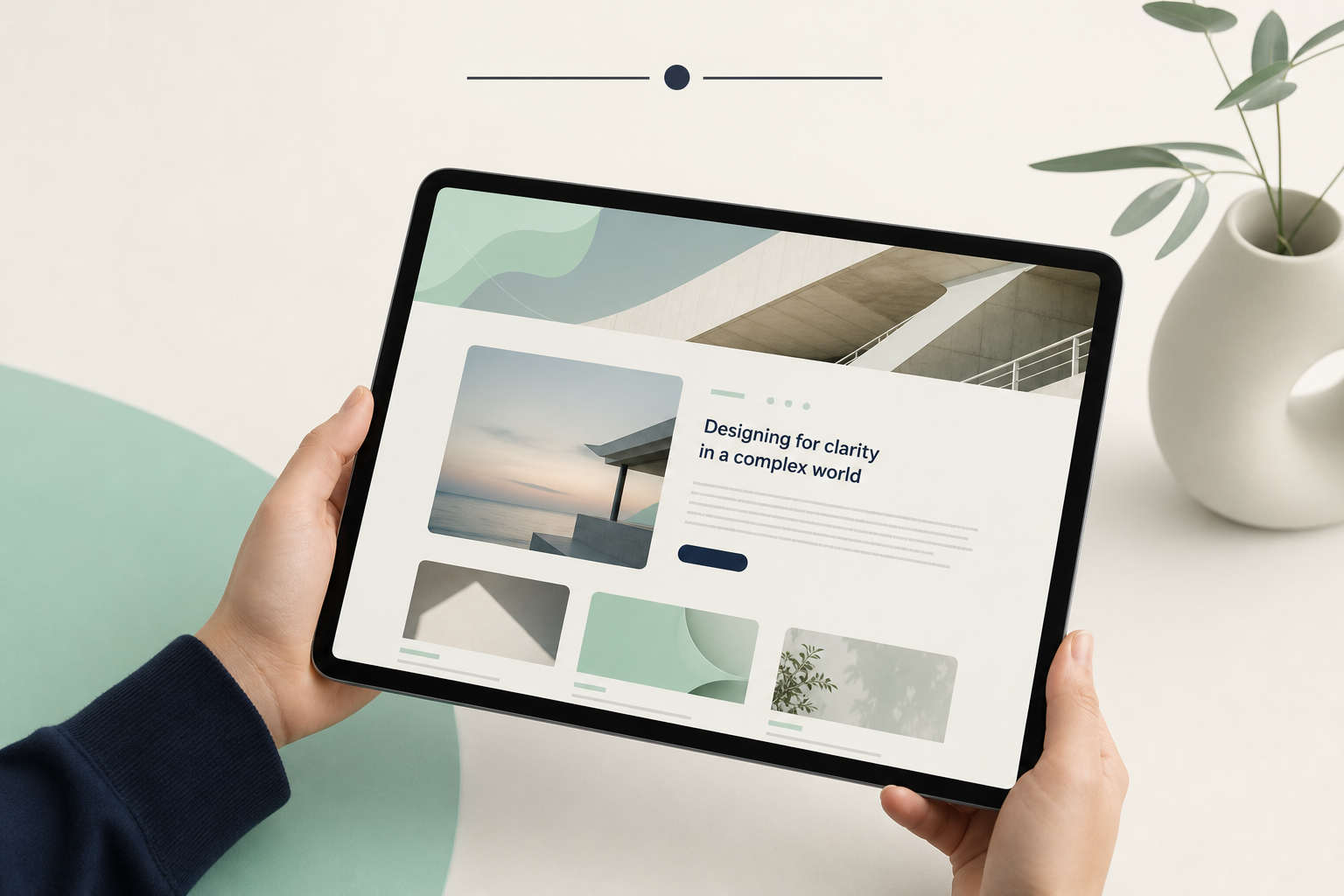
Use H2 and H3 subheadings to divide your text into scannable sections. Online readers don’t read linearly, they scan headings and only then decide where to stop. A clear structure keeps them on the page longer.
Categories, tags, and publishing settings
Before publishing, assign the article to a category and add a few relevant tags. Categories organize your blog thematically, and tags help connect related articles. These elements improve navigation and contribute to search engine indexing.
You can publish immediately or schedule publishing for a future date. Scheduling articles helps you maintain a consistent publishing rhythm without writing every day.
Essential plugins for a high-performing blog
Plugins are extensions that add new features to your WordPress blog without modifying the platform’s core code. On WordPress.org you have access to thousands of free plugins, and a few of them are practically mandatory for any serious blog.
SEO and search engine optimization
An SEO plugin like Yoast SEO or Rank Math lets you configure the meta title and description for each article. It automatically generates an XML sitemap and gives you optimization suggestions right in the article editor. These plugins are free in their basic version and cover the needs of most bloggers.
Installing an SEO plugin is one of the first things to do after your blog is set up, not after you’ve published ten articles. Retroactive configuration is more time-consuming than prevention.
Security and automatic backup
Plugins like UpdraftPlus automatically back up your blog’s files and database, saving them to the cloud. A blog without backup is vulnerable to complete content loss in case of a technical incident.
For basic security, Wordfence offers a free firewall and malware scanning. Enabling two-factor authentication for your administrator account is a simple measure that significantly reduces the risk of unauthorized access.
Performance and loading speed
Loading speed directly influences your blog’s position in Google results. A caching plugin like W3 Total Cache or LiteSpeed Cache reduces server response time by storing static versions of your pages.
Image optimization is equally important. Plugins like Smush automatically compress images on upload without noticeable loss of quality. This reduces page size and speeds up loading on slow connections.
SEO optimization and search engine visibility
A well-written blog that doesn’t appear in Google searches won’t attract organic readers, no matter how valuable the content is. SEO optimization is not an optional step, but an integral part of your publishing strategy that you should apply from your first article.
Keyword research before writing
Each article should answer a question that people are already searching for in Google. Identifying these questions is called keyword research and should be done before writing, not after. Free tools like Google Search Console are useful starting points. The suggestions section in the Google search bar offers additional ideas.
Choose keywords with realistic search volume for a new blog, not ultra-competitive terms dominated by high-authority sites. Articles targeting specific and less-searched questions have better chances of appearing on the first page of results.
On-page structure for better ranking
Each article should have a single H1 heading, automatically generated from the article title in WordPress. H2 and H3 subheadings should contain variations of your main keyword. The introductory paragraph should include the keyword, and the optimized meta description should be 150-160 characters.
Internal links between your blog articles help search engines understand your site’s structure and distribute authority between pages. Add relevant internal links whenever you mention a topic already covered in another article.
Free SEO audit as a starting point
If you don’t know where to start with optimization, a professional SEO audit gives you a clear picture of existing problems. The first free SEO and GEO audit on seo.neogenio.ai analyzes your blog’s visibility in both Google and AI search engines like ChatGPT. It’s a concrete starting point, not a generic list of recommendations.
How Neogenio AI accelerates content creation and publishing
Writing regular quality articles is the hardest aspect of long-term blogging, not initial setup. Neogenio AI was built precisely to eliminate content bottleneck and maintain a consistent publishing pace without sacrificing quality or SEO optimization.
Automatic generation of SEO-optimized articles
The Neogenio SEO and GEO AI engine researches relevant keywords for your brand and writes articles optimized in your brand voice. It publishes them directly to WordPress. You approve each publication before the article goes live, so editorial control remains with you.
This approach drastically reduces time spent on research and writing. Instead of writing a 2,000-word article in a few hours, you review and approve a ready-optimized article in minutes.
Create a free WordPress blog with AI, from scratch
If you’re just starting out and don’t want to waste time manually configuring the theme and pages, Neogenio creates a complete free WordPress website. Pages come with text and images adapted to your company’s brand and colors, directly on websites.neogenio.ai. The result is a functional and visually consistent blog, ready to publish in minutes.
With a Neogenio subscription, the first AI-written article is free, meaning you can test the quality of generated content before committing to a long-term plan. The platform works in 6 languages, so it’s useful for blogs targeting audiences from multiple countries.
Why publishing speed matters
Blogs that publish consistently gain authority in search engines faster than those that publish sporadically. A blog with 50 well-optimized articles attracts much more organic traffic than one with 10 perfect articles published over two years.
Neogenio AI eliminates the main obstacle to consistency: lack of time and energy for research and writing. The result is a sustainable editorial calendar, not a sprint followed by months of pause.
Frequently Asked Questions
Can I create a completely free WordPress blog without paying anything?
Yes, WordPress.com offers a free plan that includes hosting and a subdomain. It also includes the block editor. You can publish unlimited articles at no cost. If you want your own domain or advanced features, you’ll need to upgrade to a paid plan. To get started, though, the free plan is sufficient.
What’s the difference between WordPress.com and WordPress.org?
WordPress.com is a hosted platform where your account and blog are managed by WordPress. WordPress.org is open source software that you install on your own server, where you have complete control, including over plugins and monetization. WordPress.com is simpler to start with, and WordPress.org is more flexible in the long term.
How long does it take to set up a WordPress blog from scratch?
On WordPress.com, basic setup takes between 15 and 30 minutes. Choosing a theme and customizing the design can add another hour. Your first article can be published the same day. With a tool like Neogenio AI, the entire process can be reduced to just a few minutes for the basic site.
Do I need technical knowledge to create a WordPress blog?
No. WordPress.com requires no programming or server administration knowledge. The block editor works similarly to a regular text document. Even on WordPress.org, installation through your hosting provider’s control panel is done with a single click in most cases.
How can I appear in Google with my WordPress blog?
Activate an SEO plugin right after setup and write articles that answer real questions people are searching for. Make sure each article has an optimized meta description and submit your XML sitemap to Google Search Console to speed up indexing. A free SEO audit on seo.neogenio.ai can quickly show you what needs improvement.
If you want to skip manual setup and have a fully functional WordPress blog in just a few minutes, create your free WordPress website with AI on the Neogenio platform, where artificial intelligence builds your site on your brand and colors from scratch.
Neogenio AI
The Neogenio blog: practical guides on SEO and GEO AI, web design, eCommerce, AI automation and SaaS apps, for businesses that want to grow online.
All articles by this author → Talk to our team on WhatsApp