If you’ve ever wondered how to produce quality blog articles without spending hours staring at a blank document, there’s one answer: an AI article generator for WordPress. An AI article generator for WordPress is a software tool that uses advanced language models to create and optimize content directly in your WordPress dashboard. Publishing happens without needing manual intervention at every step. The result is a constant flow of content, optimized for search engines and tailored to your brand voice.
Key Takeaways
- An AI article generator for WordPress automates SEO content creation directly from your dashboard, without needing to switch to another tool.
- Modern AI tools generate titles and meta descriptions. They also produce FAQ sections and images for your entire publishing workflow.
- Integrating AI into WordPress significantly reduces writing time, allowing teams to focus on strategy and final approval.
- The quality of AI content depends on the prompts you provide and the human review stage. Editorial approval remains important.
- Platforms like Neogenio research keywords and write articles in your brand voice. They publish them to WordPress with your approval at each step.
By reading through this article, you’ll be able to choose the right tool for your blog and understand how content automation works. You’ll set up a sustainable publishing workflow without relying on expensive external agencies.
What is an AI article generator and how does it work in WordPress
An artificial intelligence-based article generator analyzes a given topic or keyword and produces structured text with a title and introduction. It adds subheadings and a conclusion in just a few seconds. Large language models, like GPT-4 or Gemini, power most of these tools and give them the ability to produce coherent and topically relevant text.
In the WordPress context, integration works in two main ways. The first is through plugins that install directly in your dashboard and add buttons or panels in the Gutenberg editor or classic editor. The second way is through external platforms that connect to WordPress via API and publish articles automatically, without needing to open the editor at all.
How AI processes your content request
When you give an AI tool a prompt, for example “write an article about caring for indoor plants,” the model goes through several steps. It identifies the search intent behind the topic and structures an article outline. It generates the text paragraph by paragraph and, if configured correctly, adds the meta description and SEO title.
Some plugins go further and generate images for your article, essentially completing everything you need for a full publication. This workflow is possible thanks to APIs from AI model providers, which plugins or platforms connect to using your key or their own.
Types of content it can generate
Modern tools aren’t limited to the article body. They can produce click-optimized titles and meta descriptions with the exact length Google requires. They also generate FAQ sections with real questions from user searches, plus social media posts derived from the same article. This versatility makes the difference compared to simple text generation.
Real benefits of AI-generated content for your blog
The most obvious benefit of an AI generator is speed: a 1,500-word article that would take two to three hours to write manually is ready in less than a minute. But speed alone doesn’t justify adopting a tool. Consistency and scalability are the benefits that really matter in the long run.
When you publish regularly, Google treats your site as an active source and crawls it more frequently. A constant flow of new articles, even if quickly approved by you, signals topical authority. This is the logic behind content-at-scale strategy, which until now only large editorial teams could afford.
Reducing production costs
Outsourcing a 1,000-word blog article to a specialized copywriter can cost between 50 and 200 euros, depending on the niche. A subscription to an AI platform covers dozens or hundreds of articles per month at a fraction of this cost. The difference is significant, especially for solo entrepreneurs or small teams managing multiple WordPress sites.
Consistency in tone and brand
If you train the AI model with a style guide or examples from your previous content, it will reproduce your preferred tone and structure consistently. The natural variability of different human writers disappears, meaning your reader gets the same experience regardless of which article they open.
Most popular AI plugins for article generation in WordPress
The market for WordPress AI content plugins has expanded rapidly. Available options now cover very different needs, from individual bloggers to WooCommerce stores with thousands of products. Your choice depends on the volume of content you want and the level of automation you’re willing to accept.
| Plugin / Platform | Strengths | Best for |
|---|---|---|
| AIOSEO AI Content | Direct integration in WordPress editor, automatic SEO metadata generation | Bloggers who want automatic SEO |
| AI WP Writer | Scheduled automatic publishing over weeks or months | Sites with high article volume |
| Bertha AI | Text and image generation, writing copilot | Visual content creators |
| WP Wand | Supports GPT-4 and DaVinci, flexible for advanced prompts | Technical users, agencies |
| Kubio AI | Design and content simultaneously, automatic grammar correction | Web design agencies |
Plugins focused on complete automation
AI WP Writer lets you set an editorial calendar for an entire year: you specify topics, choose frequency, and the plugin generates and publishes articles according to schedule. Supported models include GPT-5 and Gemini, and image generation is included through FLUX models. This is the right option if you want to minimize manual intervention.
Plugins focused on editorial quality
Bertha AI and WP Wand focus more on assisting the writer than on complete automation. They give you a solid starting point and let you shape the final text. If you care about your blog’s personal voice, this approach gives you more control without completely giving up AI assistance.
How an AI article generator for WordPress optimizes SEO content
A good AI article generator for WordPress doesn’t just write coherent text, it integrates SEO optimization into the generation process itself. This means keyword density and heading structure are calculated automatically. The meta description is generated at the same time, not added afterward as a separate step.
Tools integrated with SEO plugins like AIOSEO generate optimized titles and meta descriptions with the exact length Google requires. They also add FAQ sections based on real questions from Google searches. The result is an article ready for indexing from the moment of publication, without needing a separate manual optimization stage.
Integrated keyword research
Some advanced AI platforms don’t just write based on a given keyword. They actively research semantic variations and frequently asked questions before generating the article. They also analyze related topics for complete coverage. Neogenio’s AI SEO & GEO engine, for example, researches keywords, writes optimized articles in your brand voice, and publishes them to WordPress; you approve each publication. This approach means the article covers search intent completely, not just the main keyword.
Optimization for AI search engines (GEO)
Beyond traditional SEO for Google, the concept of GEO is increasingly appearing, meaning optimization for visibility in responses generated by ChatGPT or Perplexity. Other AI engines are also targeted. A well-structured article with clear definitions and direct answers to questions has a better chance of being cited by these systems. Modern AI generators know how to write in this format, which is an advantage over traditionally produced articles.
Recommended workflow: from idea to published article
Adopting an AI generator doesn’t mean giving up control completely; it means shifting effort from writing to strategy and approval. A well-defined workflow is what separates teams that truly benefit from AI from those that get disappointing results.
The first step is always topic and keyword research. Even if your AI tool can generate ideas, it’s useful to know what your audience is searching for before giving your first prompt. The free SEO audit available at seo.neogenio.ai can be a good starting point for identifying real content opportunities.
Steps of an efficient workflow
Once you have your topic, you give the AI tool a prompt with clear instructions about tone and length. You also specify your target audience for better results. The tool generates a draft that you quickly review, check facts, and adjust tone if needed. Then you add the featured image and publish or schedule publication.
The entire cycle, from prompt to publication, can take 15-20 minutes, compared to 3-4 hours for an article written manually from scratch. If you use a platform that automatically publishes to WordPress, like Neogenio, the cycle is even shorter because you don’t manage any technical steps manually.
How to write effective prompts
A vague prompt produces a generic article. A prompt that specifies your audience and desired tone produces much better results. Add the approximate length and at least two topics you want covered for an article close to what you need. The two-minute investment in writing a good prompt pays for itself at the review stage.
AI content quality and the importance of human review
AI-generated content is generally coherent and well-structured, but it’s not infallible. Models can produce inaccurate statements, especially on niche topics or recent data. They can repeat structures or phrases predictably if not guided through a detailed prompt. Human review isn’t an optional step; it’s what transforms an acceptable draft into quality content.
The recommended practice is to read the generated article once carefully for facts and once carefully for tone. The first reading checks if information is correct and current. The second reading ensures the text sounds natural in your language and truly reflects your brand voice.
What to check without fail
Statistics and figures are the most frequent error point in AI content. Models can cite outdated data or generalize from a regional source as if it were universal truth. Always verify important figures against a primary source before publishing.
The second thing to check is local relevance. If your blog addresses a Romanian audience but the AI tool produced examples or references designed for the American market, adjusting them is quick and worth doing. Local context greatly increases reader retention rate.
Balance between speed and quality
Platform Satellitor describes the balance this way: AI handles 80% of content production, and people handle the remaining 20% for quality. This is a realistic and sustainable proportion in the long run. You’re not trying to eliminate human intervention completely, but to concentrate it where it adds real value: editorial judgment and fact-checking.
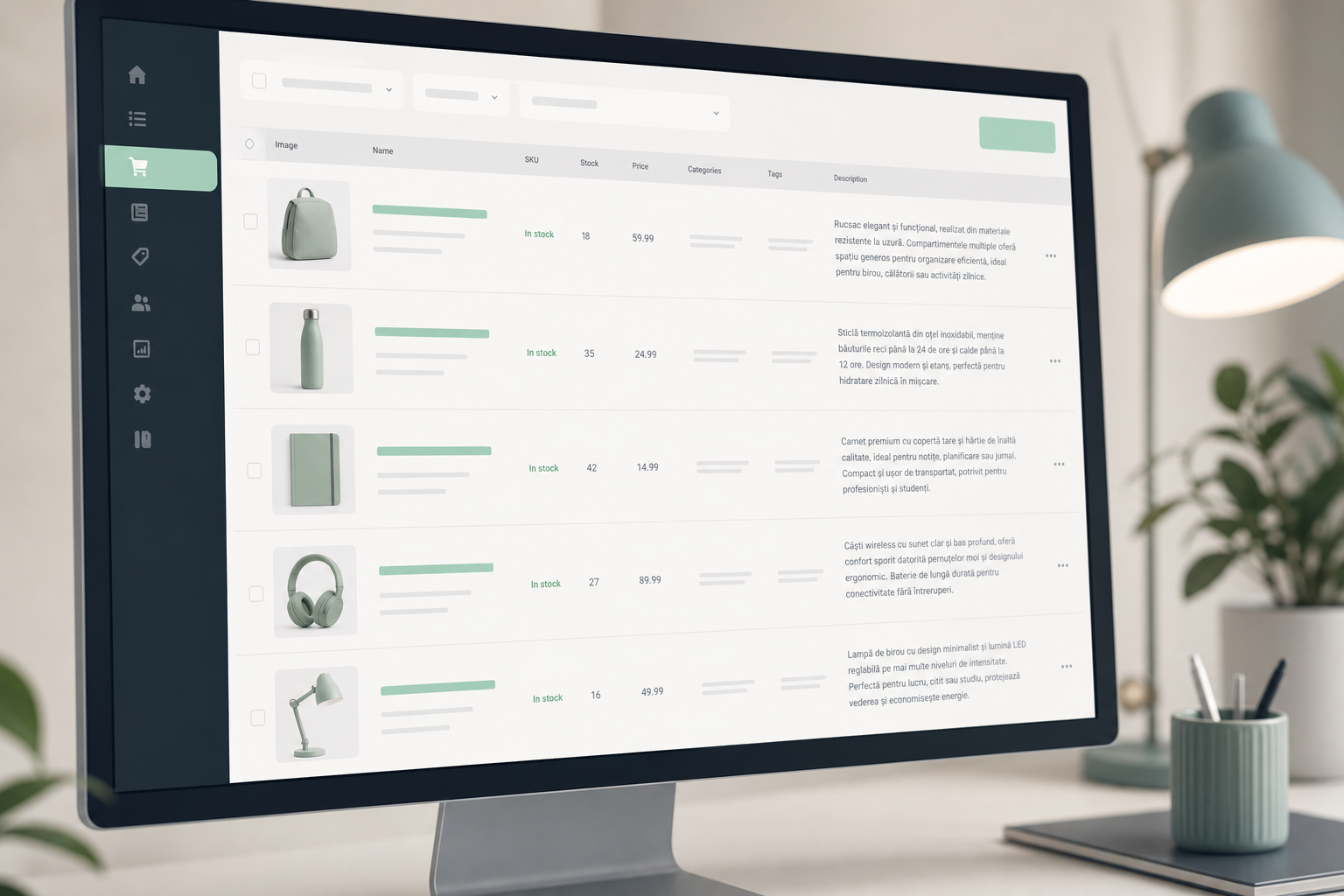
Using the AI generator for WooCommerce stores and product pages
Online store owners face a specific challenge: each new product needs a unique, optimized, and compelling description. If you have hundreds or thousands of products, manual writing is practically impossible without a dedicated team. AI generators solve this problem directly.
Unlike blog articles, product descriptions have specific requirements: they must address buyer objections and include technical specifications. A clear call to action is also necessary. AI tools configured for WooCommerce know how to meet these requirements and produce text that sells, not just text that informs.
Specialized plugins for WooCommerce
WebToffee AI Content Generator is built specifically for WooCommerce stores and covers product descriptions and image generation. It also includes promotional coupon creation. The fact that it’s designed for an online store workflow, not adapted afterward, makes it more efficient than general-purpose plugins in this specific context.
Automating category pages
Category pages are often overlooked in an online store’s SEO strategy, even though they can bring significant traffic for commercial keywords. An AI generator can produce introductory text for each category, with relevant keywords integrated naturally. This simple improvement can increase your store’s organic visibility without requiring additional advertising investment.
How to start free with an AI generator for WordPress
The barrier to entry for AI content tools is lower than it seems. Most serious platforms offer a free plan or trial period, allowing you to evaluate the quality of generated content before any financial commitment. The first step is to identify what type of content you need most: blog articles or product descriptions. Service pages are another frequent option.
If your WordPress site doesn’t exist yet or you want to rebuild it on a more solid foundation, Neogenio creates a free WordPress website with AI. It includes pages and text, as well as images, in your company’s brand and colors, at websites.neogenio.ai. This means you can start with a fully configured site for AI content from day one.
Setting up your first AI workflow in WordPress
Install an AI plugin from the WordPress directory or connect to an external platform via API. Configure the API key if necessary and set your preferred language and tone. Then generate your first article on a topic you know well. This way you can evaluate output quality by comparing it with what you already know about the subject.
With a Neogenio subscription, your first AI-written article is free. You have the opportunity to test the entire workflow, from keyword research to publishing in WordPress, without any financial risk. This “try before you buy” approach is the best way to evaluate whether the tool fits your real needs.
What to measure after your first publications
Track organic traffic on AI-generated articles at 30 and 60 days after publication. Compare bounce rate with manually written articles. If readers stay on the page approximately the same amount of time, content quality is good enough for your audience. If bounce rate is significantly higher, revise your prompts and add more niche-specific context to generation.
Frequently Asked Questions
How can I install an AI article generator for WordPress without technical knowledge?
You install an AI plugin just like any other WordPress plugin: go to “Plugins” in your dashboard, search for the plugin name you want, click “Install” and then “Activate”. Basic configuration usually takes 5-10 minutes and involves entering an API key from your chosen AI model provider.
Is AI-generated content penalized by Google?
Google doesn’t penalize AI content itself; it penalizes low-quality content, regardless of its source. If AI-generated articles are reviewed and contain correct information, they can perform well in organic results. They must truly answer the user’s search intent. Editorial quality, not text origin, is the criterion that matters.
How much time do I save with an AI generator compared to manual writing?
A manually written 1,000-1,500 word article takes an average of 2-4 hours, including research. With an AI generator, the same article is ready as a draft in under 2 minutes, and review takes 15-30 minutes. The real time savings is 1.5 to 3.5 hours per article, which makes a big difference at scale.
Can I use an AI generator for articles in Romanian?
Yes, modern models like GPT-4 or Gemini generate quality content in Romanian, including with correct diacritics. Results are better when you give the prompt in Romanian and specify that you want content for a Romanian audience. Neogenio platform works in 6 languages, including Romanian, so it’s a relevant option for the local market.
What’s the difference between a free AI plugin and a paid one?
Free plugins usually have word limits per month or access to older AI models. Paid versions offer access to newer models and include image generation. They also add scheduled automatic publishing and integrated SEO assistance. If you publish more than 4-5 articles per month, a paid subscription becomes more cost-efficient per article than a free plugin.
If you’re ready to put everything you’ve read into practice, you can start right now at no cost. Create your free WordPress website with AI in just a few minutes and you’ll have a solid foundation for your AI content generator to complete article after article.
Neogenio AI
The Neogenio blog: practical guides on SEO and GEO AI, web design, eCommerce, AI automation and SaaS apps, for businesses that want to grow online.
All articles by this author → Talk to our team on WhatsApp