If you want to establish an online presence without a large budget, a free WordPress showcase website is the most direct answer. A free WordPress showcase website is a website built on the WordPress platform, with no licensing costs, that presents a business or brand to visitors. Today, with the help of artificial intelligence, you can launch such a site in minutes, not weeks.
Key Takeaways
- A free WordPress showcase website can be created without technical knowledge, using free themes and AI tools.
- WordPress is the open-source platform preferred by millions of websites worldwide, from small businesses to large companies.
- Neogenio automatically generates pages and text tailored to your brand, and provides images directly on the WordPress platform.
- The first SEO and GEO audit is free on seo.neogenio.ai, offering visibility in both Google and AI search engines.
- Choosing the right theme and structure from the start determines how well your website ranks in search engines.
After going through this guide, you’ll know exactly how to choose the right platform and what themes to use. You’ll understand how to structure your pages and how to gain visibility in search engines, all without writing code.
What is WordPress and why it’s the right choice for your showcase website
WordPress is the open-source publishing platform preferred by millions of websites worldwide, from independent creators to large companies. Small businesses use it just as often. It can be downloaded and used for free, and its global community provides thousands of themes and plugins at no cost.
Unlike monthly subscription website builders, WordPress gives you complete control over your website’s content and structure. You’re not locked into a proprietary ecosystem and can move your site to another hosting provider anytime.
Why small businesses choose WordPress for their showcase website
Small businesses choose WordPress for its simplicity and flexibility. The block editor allows anyone to build pages visually, without touching a line of code. You can start with a free theme and add a contact form. You’re online the same day.
WordPress also has an important technical advantage: search engines understand its clean HTML structure well. Free plugins like Yoast SEO and Rank Math let you optimize each page right from the admin panel.
WordPress.org versus WordPress.com: what’s the difference
WordPress.org is the self-hosted version, which you install on your own hosting. WordPress.com is the managed service, with free and paid plans. For a fully customized showcase website, the self-hosted version gives you more freedom. However, this requires purchasing a domain and a hosting package.
The free plan on WordPress.com has significant limitations: it displays ads and doesn’t allow custom themes or plugins. It also uses a subdomain. If you want a professional website, opt for your own hosting or an AI solution that generates everything pre-configured.
The advantages of a free WordPress showcase website over other solutions
A free WordPress showcase website offers a value-for-money ratio that few alternative platforms can match: zero-cost software and an active community. The ecosystem of themes and plugins is among the most extensive in the industry.
Monthly subscription website builders, such as Wix or Squarespace, may seem simpler at first. But their monthly costs add up quickly, and the content you create remains on their servers. With WordPress, your content is completely yours.
| Criteria | Free WordPress (self-hosted) | Subscription builder |
|---|---|---|
| Software cost | Free | 10–50 €/month |
| Content ownership | Complete | Limited to platform |
| Available themes | Thousands free | Limited selection |
| SEO plugins | Free and advanced | Integrated, limited |
| Portability | Full export | Difficult or impossible |
Design flexibility on WordPress
WordPress offers the Gutenberg block editor, which works visually through drag-and-drop. You can build hero sections and galleries without calling a programmer. Forms and testimonials are added just as easily. Modern block-based themes allow complete customization of colors and fonts directly from the graphical interface.
This flexibility means your showcase website can look exactly as you want it. It reflects your brand and company’s color palette, not a generic template used by hundreds of other companies.
The WordPress community as a free resource
The WordPress community is one of the most active in the web industry. Support forums and official documentation in multiple languages are available. Video tutorials provide answers to almost any problem you might encounter. This collective resource replaces the cost of a technical consultant in the early stages of your project.
How to choose the right free theme for your WordPress website
A WordPress theme determines the visual appearance of your website, but also its loading speed and plugin compatibility. A well-chosen free theme can look just as professional as a paid one, if you know where to look and what criteria to apply.
The official theme directory on WordPress.org contains thousands of free options, tested and approved by the platform’s team. Filters help you find themes optimized for showcase websites, portfolios, or local businesses.
Essential criteria for a showcase theme
The first requirement is that the theme be responsive, meaning it looks good on phone screens. Over half of web traffic comes from mobile devices. A theme that doesn’t adapt penalizes user experience and Google ranking.
The second requirement is speed. Themes with excessive code or oversized images load slowly, and Google penalizes slow websites. Check the theme’s performance score with Google PageSpeed Insights before installing it permanently.
Recommended free WordPress themes for showcase websites
A few free themes consistently stand out for showcase websites: Twenty Twenty-Four (the official WordPress theme, block-based and lightweight) and Astra (with a generous free plan and excellent compatibility with page builders).
If you use an AI tool that generates your website automatically, it will select and configure the right theme based on your brand. This way, you don’t have to spend hours testing options manually.
The ideal structure of a WordPress showcase website: essential pages and sections
The structure of a good WordPress showcase website follows a simple model: visitors must understand in the first five seconds what your business does. They need to understand why they should contact you and how they can do so. Any element that doesn’t serve this purpose can be eliminated.
An effective showcase website needs a few basic pages. You don’t need dozens of pages from the start; a clear and well-written structure always beats a complex and incomplete architecture.
Home page
Your home page is your business’s digital business card. It should contain a hero section with a clear title and a call-to-action button. Add a brief description of the services you offer and some social proof, such as testimonials or client logos.
The hero section doesn’t need to be elaborate. A direct title, a relevant image, and a “Contact us” button do the job better than an animated slider with five slides.
About us page and Contact page
The “About us” page builds trust. Present your team and company values, including a brief history of the business. Visitors who reach this page are already interested and need confirmation that there are real people behind the website.
The contact page should be simple: a short form, phone number, and address. The free Contact Form 7 or Forminator plugin works excellently on WordPress at no extra cost.
Services or products page
Each main service deserves a dedicated section, with a clear description of the benefits and work process. Avoid technical jargon and write for your client, not for competitors. A well-written services page answers the question “what do I gain if I buy from you?”
Creating a free WordPress showcase website with AI
Artificial intelligence has fundamentally changed the process of creating a free WordPress showcase website. Instead of spending entire days configuring themes and writing text from scratch, an AI engine can generate complete pages in minutes. The text and images are tailored to your brand.
Neogenio creates a free WordPress website with AI, with pages and text in your company’s brand and colors, including images on websites.neogenio.ai. The process is automated: you enter information about your business and the platform generates the complete website structure.
How AI-powered WordPress website generation works
An AI website creation engine analyzes information about your business and translates it into a page structure. It generates SEO-optimized text and relevant images. You don’t need design or programming knowledge to get a professional result.
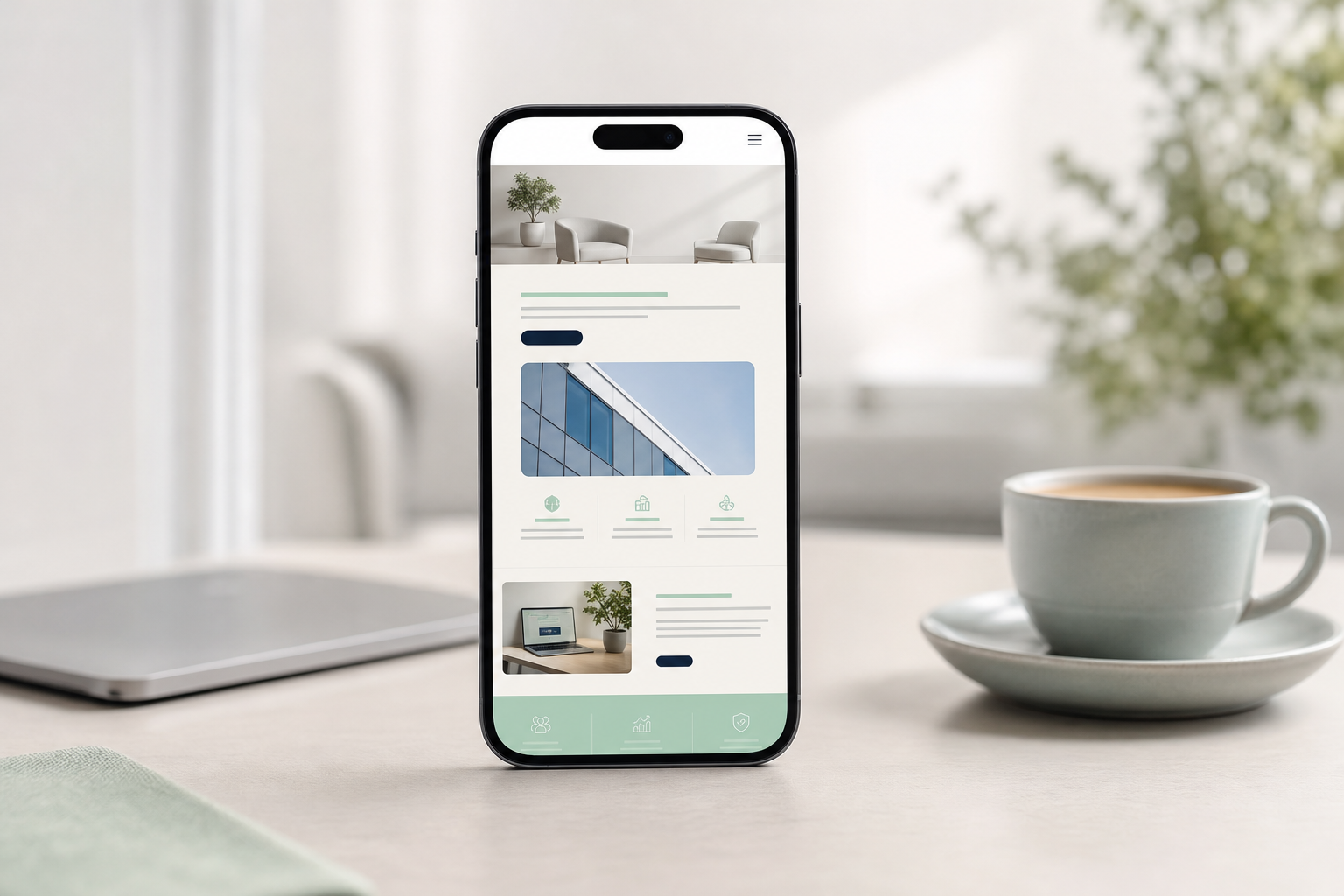
The advantage over classic builders is that the text isn’t generic templates. The AI personalizes them based on your industry and target audience. The tone of communication you choose matters too. The result is a website that sounds like your brand, not an anonymous corporate brochure.
What’s included in a website generated by AI on the Neogenio platform
The Neogenio platform works in six languages and automatically generates the main pages: Home, About us, Services, and Contact. Each page has text written in your brand’s voice and images selected to support the message.
The structure is designed from the start to rank well in search engines. Titles and meta descriptions are configured correctly, as is the URL structure. All of this is prepared before launch, not retroactively after your website has already lost ground in Google.
SEO and visibility for your WordPress showcase website
A WordPress showcase website without SEO is like a printed brochure kept in a drawer: it looks good, but no one sees it. Search engine optimization is the step that transforms your website into an active channel for attracting new clients.
WordPress has a structural advantage over many other platforms: its code is clean and the semantic structure is correct. Free SEO plugins are mature and well-documented. Basic configuration of a WordPress website for SEO doesn’t require advanced knowledge.
Essential SEO elements on a WordPress showcase website
The first element is the page title and meta description. Each page must have a unique title that includes the main keyword. The meta description of 150-160 characters describes the content. Free plugins like Yoast SEO make this configuration visual and simple.
The second element is loading speed. Google uses speed as a ranking factor. Images must be compressed before upload. A caching plugin, for example W3 Total Cache available for free, significantly reduces server response time.
GEO: visibility in AI search engines, not just Google
Beyond classic SEO, there’s now a new type of visibility: GEO (Generative Engine Optimization). This refers to how your website appears as a source in responses generated by ChatGPT, Gemini, or Perplexity. This visibility becomes increasingly important as users adopt AI search engines to find products and services.
The first SEO and GEO audit is free on seo.neogenio.ai. The audit analyzes your positions in Google and your website’s presence in AI search engine responses. It thus provides a complete picture of your online visibility.
Common mistakes when building a WordPress showcase website and how to avoid them
Most WordPress showcase websites that don’t perform well have the same few basic problems. Identifying them early saves effort and money in the long run.
The most common mistake is installing too many plugins. Each plugin adds extra code and can slow down your website. It can also create security conflicts. A simple showcase website needs a maximum of five to seven well-chosen plugins.
Content and structure mistakes
Another common mistake is writing for yourself, not for your visitor. A home page that starts with “We are a company founded in…” immediately loses the attention of a visitor looking for a solution to a problem. Start with the benefit you offer, not the company’s history.
The lack of a clear call to action is another recurring problem. Each page should guide the visitor toward a next step: request a quote or download a guide. Completing a form is another option. Without this guidance, your website traffic doesn’t convert into clients.
Technical security and backup mistakes
WordPress is a popular platform, which makes it a frequent target for automated attacks. Regular updates to your theme and plugins are mandatory, as is updating the WordPress version. An unupdated website can be compromised within hours of a vulnerability becoming public.
Automatic backup is insurance that many website owners ignore until they need it. Free plugins like UpdraftPlus allow automatic weekly backups to Google Drive or Dropbox, at no extra cost.
Next steps after launching your WordPress showcase website
Launching your website is not the end of the project, but the beginning of a continuous improvement process. A WordPress showcase website that isn’t updated and monitored gradually loses visibility and relevance against active competition.
The first step after launch is technical verification: make sure all pages load correctly on mobile and desktop. Also check that forms work, with no broken links. The free tools Google Search Console and Google Analytics are essential for this step.
Regular content for maintaining visibility
Search engines favor websites that publish new and relevant content. A blog with articles about your field of activity attracts organic traffic and builds authority in your niche. You don’t need to publish daily; one well-researched article per month is more valuable than ten superficial articles.
The Neogenio AI SEO and GEO engine researches keywords and writes optimized articles in your brand’s voice. It publishes them on WordPress, and you approve each publication. This approach combines AI efficiency with your team’s editorial control.
Monitoring performance and continuous iteration
Google Search Console shows you what search queries bring visitors to your site. It also indicates which pages they land on and where they exit. This data is free and updated daily. Use it to identify high-potential pages that need additional content.
A periodic website audit, conducted semi-annually or annually, identifies accumulated technical issues and missed opportunities. Neogenio offers such an audit for free on seo.neogenio.ai. It includes classic SEO analysis and visibility in AI search engines.
Expanding your website as your business grows
A WordPress showcase website is scalable by design. You can add an online store with WooCommerce or a blog section. A member portal or integrations with marketing tools are also possible, without changing the underlying platform.
If your business reaches a point where it needs complex functionality, such as automations or chatbots, Neogenio also offers these services. Custom web applications are built on the same WordPress infrastructure that supported your showcase website from the start. The transition is smooth, not a restart from scratch.
Frequently Asked Questions
Can I create a free WordPress showcase website without technical knowledge?
Yes. The WordPress block editor allows you to build pages visually, without code. AI tools, like Neogenio, completely automate the process: they generate pages and text in your brand. Images are included, without needing design or programming knowledge.
What’s the difference between WordPress.org and WordPress.com for a showcase website?
WordPress.org is the self-hosted version, free as software, which you install on your own hosting. WordPress.com is the managed service with free and paid plans. For a professional website without ads and with complete customization, the self-hosted version or an AI service that configures everything automatically is the right choice.
How long does it take to create a WordPress showcase website with AI?
With a specialized AI platform, like Neogenio, generating a complete WordPress website takes a few minutes. This includes pages and text, as well as images. Manual configuration of a WordPress website, including theme selection and plugin installation, can take several days or weeks. Writing content adds additional time.
How do I make my WordPress showcase website appear in Google?
Submit your website to Google Search Console immediately after launch and request indexing of the main pages. Optimize the title and meta description of each page with keywords relevant to your business. Content must be optimized the same way. Publish new content regularly and make sure your website loads quickly on mobile.
Is WordPress really free or are there hidden costs?
WordPress software is free. The real costs of a self-hosted WordPress website are the domain (approximately 10-15 € per year) and hosting (from a few euros per month). Basic themes and plugins are available for free. Advanced features may require premium versions, but for a simple showcase website, free versions are sufficient.
If you want your website online as quickly as possible, without complicated configurations, create your free WordPress website with AI on the Neogenio platform. You fill in a few details about your business and get a complete, ready-to-publish website in minutes.
Neogenio AI
The Neogenio blog: practical guides on SEO and GEO AI, web design, eCommerce, AI automation and SaaS apps, for businesses that want to grow online.
All articles by this author → Talk to our team on WhatsApp