If you’ve ever wondered what are the best free alternatives for creating a website, the simple answer is that there are several solid platforms, each suited for a different type of project. The best alternatives for creating a free website are visual builders with drag-and-drop editors and classic CMS platforms. AI-powered generators represent a third growing category. Your choice depends on your site’s purpose and your technical level. It also matters how much you want to customize the final result.
Key Takeaways
- There are completely free website builders, such as Wix, Webnode, and Google Sites, that require no coding knowledge.
- WordPress remains the most flexible platform for complex websites, especially when combined with an AI generator like Neogenio.
- Most platforms’ free plans include a provider subdomain and ads; a paid plan eliminates these limitations.
- Neogenio creates a free WordPress website with AI, complete with pages, text, and images, in your brand colors and style, at websites.neogenio.ai.
- Choosing the right platform depends on your site’s purpose: portfolio, blog, online store, or business website.
By reading through this article, you’ll be able to compare the main free website creation platforms and understand the limitations of each. You’ll know exactly what to choose based on your needs.
Why choosing the right platform matters for a free website
The platform you choose directly influences your launch speed and visual appearance. Long-term expansion possibilities depend entirely on this decision. A wrong choice means wasted time with migrations or missing features exactly when you need them.
Each website builder comes with a different set of templates and customization options. Storage and traffic limits vary significantly between platforms. On free plans, these limits are stricter than on paid ones, and knowing them upfront helps you avoid unpleasant surprises.
Another important aspect is SEO. Some free platforms insert ads or use a provider subdomain, which can affect your site’s credibility in visitors’ eyes. Search engines also penalize such setups. If you want to be found on Google, your site’s technical structure matters enormously.
Last but not least, ease of use differs significantly from one platform to another. A drag-and-drop editor lets you build pages without writing a single line of code. A classic CMS platform offers more freedom but requires a steeper learning curve.
Wix: the visual builder with over 220 million sites created
Wix is one of the world’s most popular website builders, with over 220 million sites created. It works with a drag-and-drop visual editor accessible to anyone.
The platform offers approximately 500 templates to choose from. Users can generate a design with the help of artificial intelligence or edit an existing template. This flexibility makes it suitable for both a personal blog and a small business website.
Advantages of Wix’s free plan
On the free plan, Wix gives you hosting and a complete editor at no initial cost. You can publish your site and access it online immediately, without knowing how to code.
The main limitations of the free plan include a subdomain like username.wixsite.com and the display of Wix ads on your pages. These limitations disappear once you upgrade to a paid plan, which starts at an affordable monthly price.
When to choose Wix
Wix is suitable if you want to quickly launch a portfolio site or blog without initial investment. The visual editor is intuitive and allows real-time changes without reloading the page.
If your plans include an extended online store or a high-traffic site, you’ll feel the limitations of the free plan fairly quickly. In that case, a more robust platform or an upgrade to a paid plan is the logical solution.
An additional advantage of Wix is the rich library of apps in the Wix App Market. This extends your site’s basic functionality with forms and bookings. The live chat option is also available. Many of these apps have free versions, so you can build a functional site without major costs in the initial phase.
Webnode: simple, accessible, and no coding required
Webnode is a website creation platform that emphasizes simplicity and accessibility for users without technical experience. If you can use a mouse and a simple text editor, you can build a fully functional website with Webnode.
The platform provides an AI-powered website generator and an easy-to-use editor, both available for free. You can run your site on the free plan for as long as you want, with no expiration date.
What’s included in Webnode’s free plan
Webnode’s free plan includes hosting, a visual editor, and predefined templates. Your site will be available on a Webnode subdomain, and the platform’s branding will appear on published pages.
If you want to remove Webnode branding or use your own domain, you’ll need to upgrade to a Premium package. A higher traffic limit is also available only on paid plans. Prices are competitive compared to other similar platforms on the market.
Types of sites suitable for Webnode
Webnode works well for personal sites and food blogs. Creative portfolios are just as easy to create. If your goal is to showcase your skills or hobbies, the platform’s simple editor is more than enough.
The platform also supports online stores with complete payment processing, so you’re not limited to static sites only. However, advanced e-commerce features are available only on paid plans, not on the free one.
An aspect appreciated by Webnode users is the speed of setup. From account registration to publishing your first page, the process takes a few minutes, not hours. This makes it ideal for someone who wants to quickly test an idea online without investing time or money in the initial phase.
Google Sites: Google’s free option for simple projects
Google Sites is a completely free website builder integrated into the Google ecosystem. All you need to use it is a Google account, which you probably already have.
The interface resembles creating a presentation in Google Slides, making it extremely intuitive for users familiar with Google products. The tools are simple and don’t use complicated technical terminology.
Google Sites’ limitations compared to other builders
Google Sites offers fewer templates than Wix or Webnode. Visual customization options are more limited because you can’t adjust fonts or colors as freely as on other platforms. Element layout is also more restrictive.
The platform doesn’t include e-commerce features and doesn’t allow installation of plugins or external apps. If you need a complex contact form or integrations with other services, Google Sites quickly becomes insufficient.
When it makes sense to use Google Sites
Google Sites is suitable for internal team projects and event presentation pages. School websites are just as easy to create. It’s not recommended for businesses that want to build a professional online presence in the long term.
The main advantage is that there’s no storage limit from Google Sites itself, since files are stored in Google Drive. If you already have a Google Workspace subscription, integration is native and requires no additional setup.
Another real advantage is the absence of ads on sites created with Google Sites, even on the free plan. This sets it apart from Wix or Webnode, which display ads on non-subscription plans. If the appearance of a clean, ad-free site matters to you, Google Sites is worth considering for simpler projects.
WordPress with AI: the best alternative for professional websites
WordPress remains the most flexible platform for anyone who wants a professional site with full control over content and design. Combined with an AI generator, it becomes the fastest solution for launching a well-structured site.
Neogenio creates a free WordPress website with AI, complete with pages, text, and images generated in your brand colors and style. The entire process takes place at websites.neogenio.ai, with no technical knowledge required.
Why WordPress beats other builders in the long run
WordPress powers approximately 43% of all websites on the internet. This market share means a huge community of developers and available themes. Plugins cover almost any functionality you might need.
Unlike drag-and-drop builders, WordPress doesn’t lock you into a single platform. You can move your site to any hosting provider and change the visual theme without losing content. Your project can scale as much as your business grows.
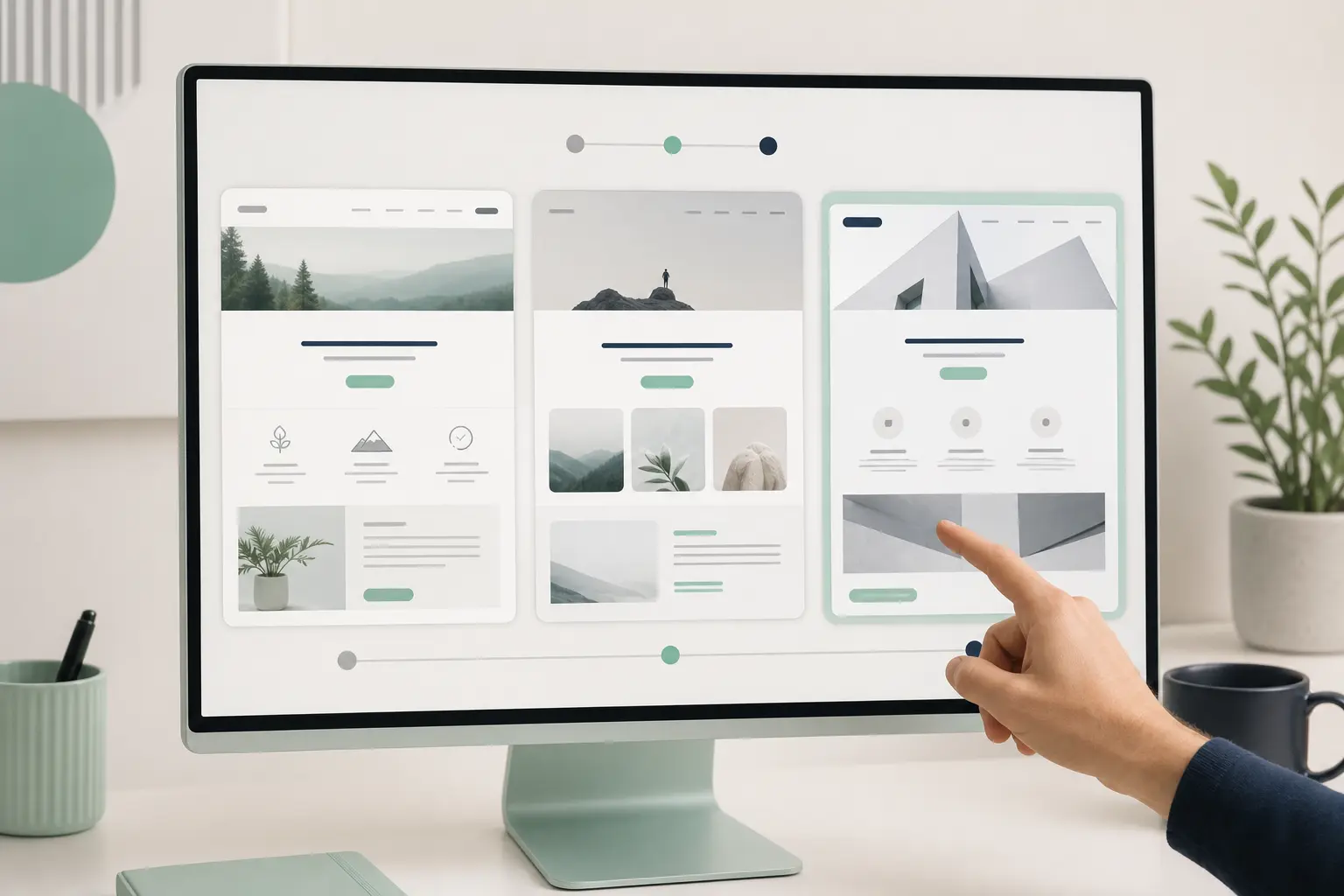
How AI accelerates WordPress site creation
An AI generator like Neogenio’s eliminates the biggest barrier in creating a site: the blank page. In a few minutes, the platform generates your site structure and text. Images are also created, tailored to your specific brand.
Neogenio’s SEO and GEO AI engine researches relevant keywords for your business and writes optimized articles in your brand voice. Publishing happens directly in WordPress. You approve each post, so editorial control remains yours.
| Platform | Free plan available | Drag-and-drop editor | Free e-commerce | AI included |
|---|---|---|---|---|
| Wix | Yes | Yes | No | Partial |
| Webnode | Yes | Yes | No (paid plan) | Yes |
| Google Sites | Yes | Partial | No | No |
| WordPress + Neogenio AI | Yes | Yes (with theme) | Yes (WooCommerce) | Yes |
| Shopify | Trial (not permanently free) | Yes | Yes | Yes |
Jimdo and IM Creator: lesser-known but useful alternatives
Jimdo and IM Creator are two lesser-publicized platforms that deserve attention if the other options don’t suit you. Both offer free plans with reasonable limitations for small-scale projects.
Jimdo has an English interface, but it doesn’t use complicated terminology, so the language barrier isn’t a real issue. Jimdo’s free plan includes a platform subdomain and displays ads on your site, just like Wix or Webnode.
What makes Jimdo different from the competition
Jimdo offers a free plan with less strict limitations than some competitors, according to available information about the platform. The paid plan price starts at approximately 5 USD per month, making it one of the most affordable upgrades on the market.
The platform comes with an AI assistant that guides you through the site creation process based on your answers to a few simple questions. The result is a functional basic site in a few minutes, without complicated design decisions.
IM Creator: for designers and visual projects
IM Creator emphasizes design freedom and your site’s visual appearance. The platform is more geared toward designers or people with a developed aesthetic sense who want fine control over every page element.
The free plan is available but with limited features compared to paid versions. IM Creator isn’t as widespread as Wix or Webnode, which means a smaller community. Available documentation in Romanian is also limited.
If you experiment with both platforms and aren’t sure which fits better, the simplest test is to create a trial page on each and compare the editing experience. The decision becomes obvious after your first direct contact with the editor, not after reading marketing descriptions.
Shopify: for online stores with a free trial
Shopify isn’t a free website builder in the classic sense, but it offers a free trial that lets you test the platform before paying. It’s the number one website builder for e-commerce globally.
If your main goal is to sell products online, Shopify deserves to be included in the comparison. The platform comes with unlimited product listings and a checkout with high conversion rates. You also have access to over 8,000 apps from its own store.
What Shopify includes compared to free builders
Shopify includes shipping and order management tools. Detailed sales analytics complete the package, and classic free builders don’t offer these features. For a serious online store, this difference is significant from the first month of operation.
An AI-powered design generator is available directly in Shopify, which speeds up launching a visually attractive store without an external designer. You can choose from a wide range of free or premium themes.
When Shopify isn’t the right choice
If you don’t want to sell products and only need a presentation site or blog, Shopify is oversized for your needs. The monthly cost after the trial ends is considerable compared to a paid Wix or Jimdo plan.
For projects without a sales component, a classic free builder or WordPress with a blog plugin is a more cost-effective solution. Shopify shines exclusively in the e-commerce context, not as a general website creation platform.
If you’re just starting out and want to test whether your product sells online before any investment, Shopify’s free trial is a smart way to validate the idea. You launch quickly and collect real data about buyer behavior. You decide later if the monthly investment is worth it.
How to choose the right platform for you
Choosing a website creation platform starts with one clear question: what do you want to do with your site? The answer to this question automatically eliminates half of the available options.
If you want a simple presentation site or blog, Wix or Webnode are solid and quick choices. If your project needs long-term scalability and complete editorial control, WordPress combined with an AI generator is the most suitable choice.
Practical decision criteria
Your technical level matters in choosing a platform. A drag-and-drop editor is ideal if you have no coding experience. WordPress requires more elaborate initial setup, even though AI solutions exist that simplify the process.
Your available budget is another decisive criterion. All platforms mentioned in this article have free plans or trials, but their limitations differ. If you know from the start that you’ll want your own domain and zero ads, a basic paid plan from any platform is a small investment compared to the benefits.
SEO and search engine visibility
If you want to be found on Google, your site’s technical structure matters just as much as your content. Platforms that generate subdomains or insert advertising code can affect your site’s SEO score.
WordPress offers complete control over SEO elements, especially when built with a specialized AI tool. You can manage meta descriptions and titles. URL structure and loading speed are also under your control. How to grow quickly in Google searches is a process that requires solid technical foundations, and Neogenio’s first free SEO and GEO audit shows you exactly where your site stands against competitors, both in Google and in AI search engines like ChatGPT.
Remember that online visibility isn’t built overnight. Choosing a platform with solid technical foundations from the start saves you time and resources in the long run, compared to a forced migration later due to your initial platform’s limitations.
Scalability and evolving needs
A site’s needs change as your business or project grows. A platform that seems perfect today might become insufficient in six months if it doesn’t offer expansion options.
Ask yourself whether the chosen platform allows you to add an online store later and integrate with a CRM. The ability to fully export your content matters if you decide to migrate. WordPress offers the best answer to all these questions, precisely because it’s an open platform, not a closed ecosystem.
If you want to explore all these options and get a clear picture of your site’s technical needs, custom website creation with Neogenio offers complete web design and online store services structured to rank well from day one, without needing to learn every technical detail yourself.
Frequently Asked Questions
Can I create a complete website for free, without ever paying?
Yes, platforms like Wix, Webnode, and Google Sites offer permanent free plans. Limitations include a platform subdomain and, in some cases, ads displayed on your site. If these limitations don’t bother you, you can run a functional site at no cost.
Which free platform is best for an online store?
Shopify has a free trial and is the best option for selling online, but it’s not permanently free. WordPress with WooCommerce is free if you have your own hosting and offers the most control. Completely free platforms like Wix have limited e-commerce features on the non-subscription plan.
Do I need coding knowledge to create a free website?
No. All website builders mentioned in this article work without any code. The drag-and-drop editors from Wix, Webnode, or Jimdo are specifically designed for users without technical experience. WordPress requires simpler initial setup if you use an AI generator that does the configuration for you.
How long does it take to create a free website from scratch?
On a drag-and-drop builder, you can publish your first site in 30 minutes to two hours, depending on how much content you add. With an AI generator like Neogenio, your site’s basic structure and text are ready in minutes. Images are also generated automatically, and you adjust details according to your preferences.
Can I transfer a site created on a free platform to another platform later?
It depends on the platform. Proprietary builders like Wix don’t allow complete site export, so migration is difficult. WordPress allows full content export and moving to any hosting provider, making it the more flexible choice in the long run.
Create your own WordPress website with AI in minutes, with pages and text tailored to your brand. Images are also generated automatically. Visit websites.neogenio.ai.
Neogenio AI
The Neogenio blog: practical guides on SEO and GEO AI, web design, eCommerce, AI automation and SaaS apps, for businesses that want to grow online.
All articles by this author → Talk to our team on WhatsApp